
For kitchen companies & door suppliersThe kitchen visualiser that runs on your own website
A kitchen that sells in your showroom can look completely different in the customer's own home. So they take the brochure home, ask for drawings, then go quiet. Put this on your site and they see your doors on a photo of their own kitchen, in seconds. The demo here is the real thing.
One line of code · Your own range · Locked to your site
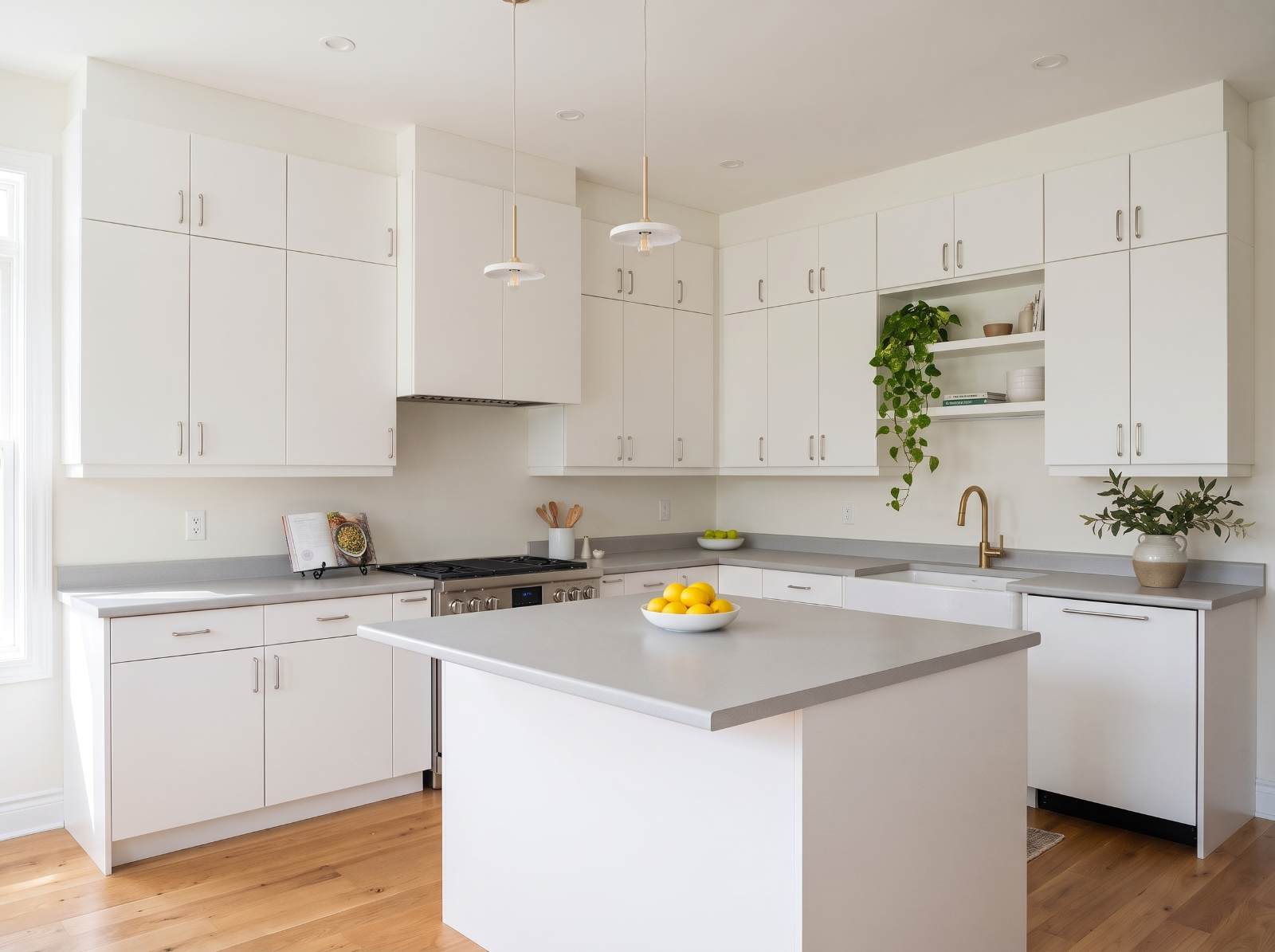
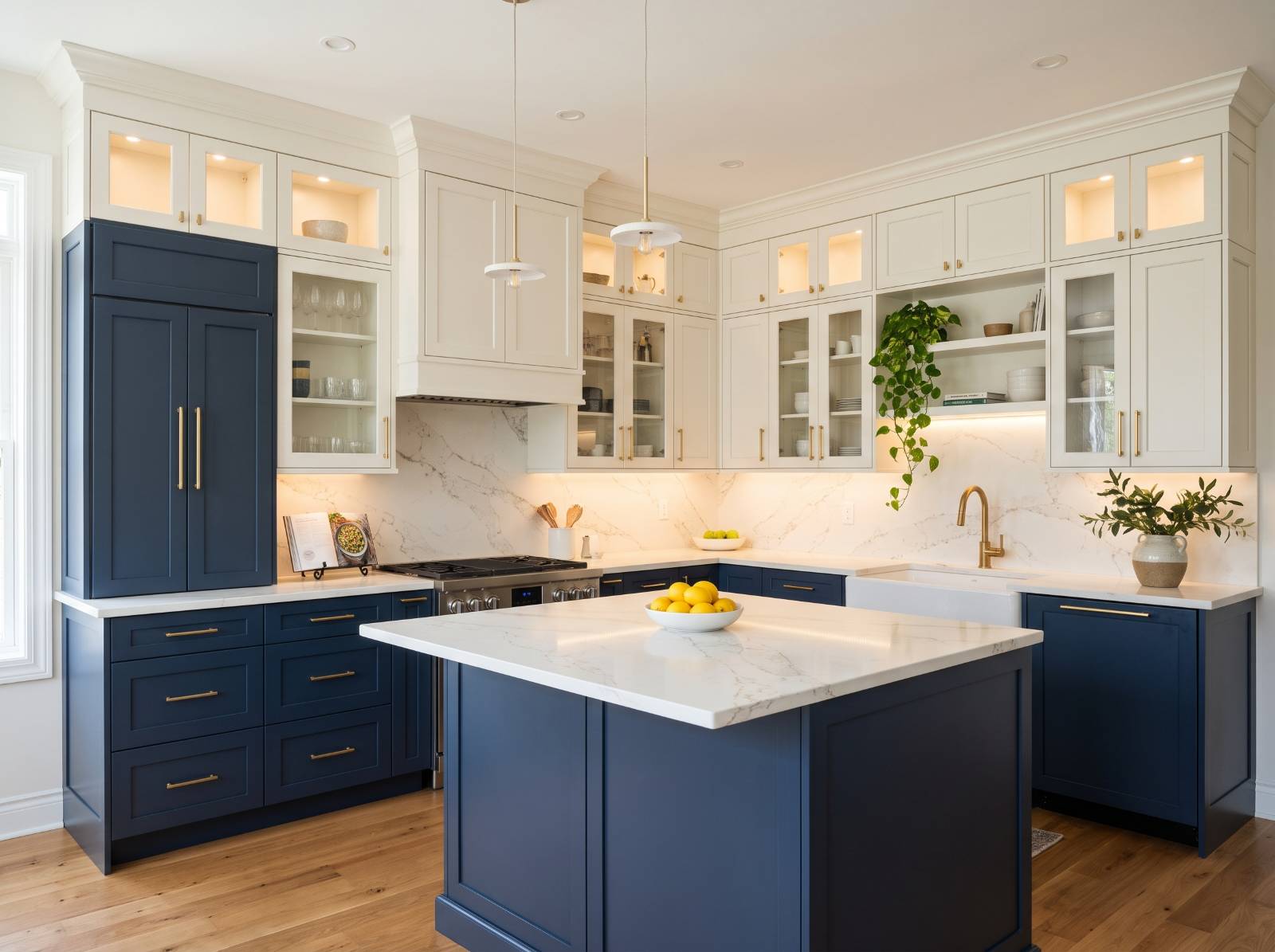
Try the demo range on your own kitchen.


Real rooms. Real results.
Every one of these started as a photo a customer took on their phone.
 Before
 After
 Before
 After
 Before
 After
Built for your business.
Add the AI visualiser to your website in minutes - it shows your products, captures quotes and prices jobs in seconds.
Quote every job instantly - AI measures the customer’s photo, you set the rates
Advanced analytics showing how your visualiser turns visits into quotes
Capture every enquiry and chat with visitors live
Put a QR code on every product so showroom customers can see it in their own space
Run products, leads and billing from one dashboard
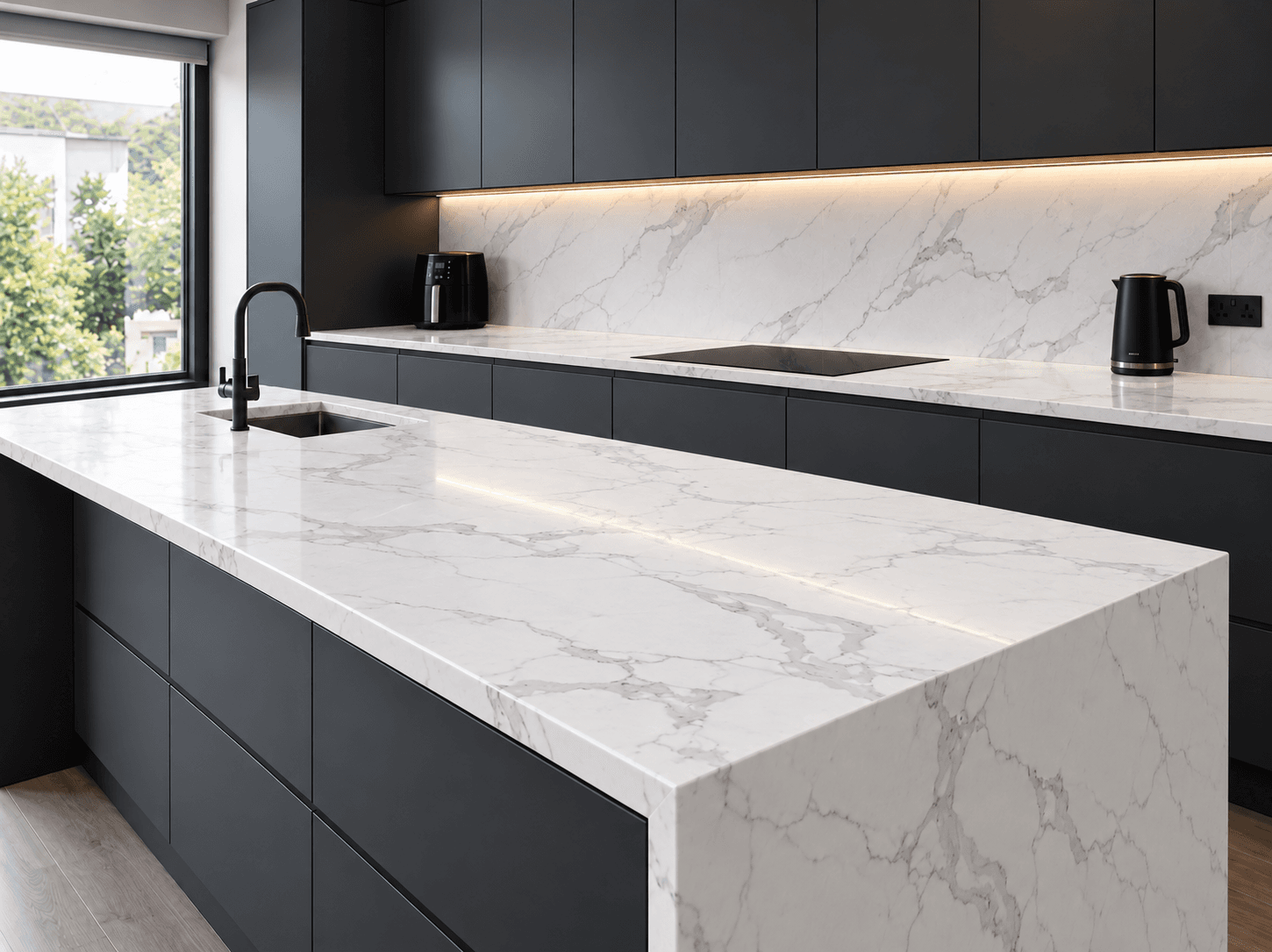
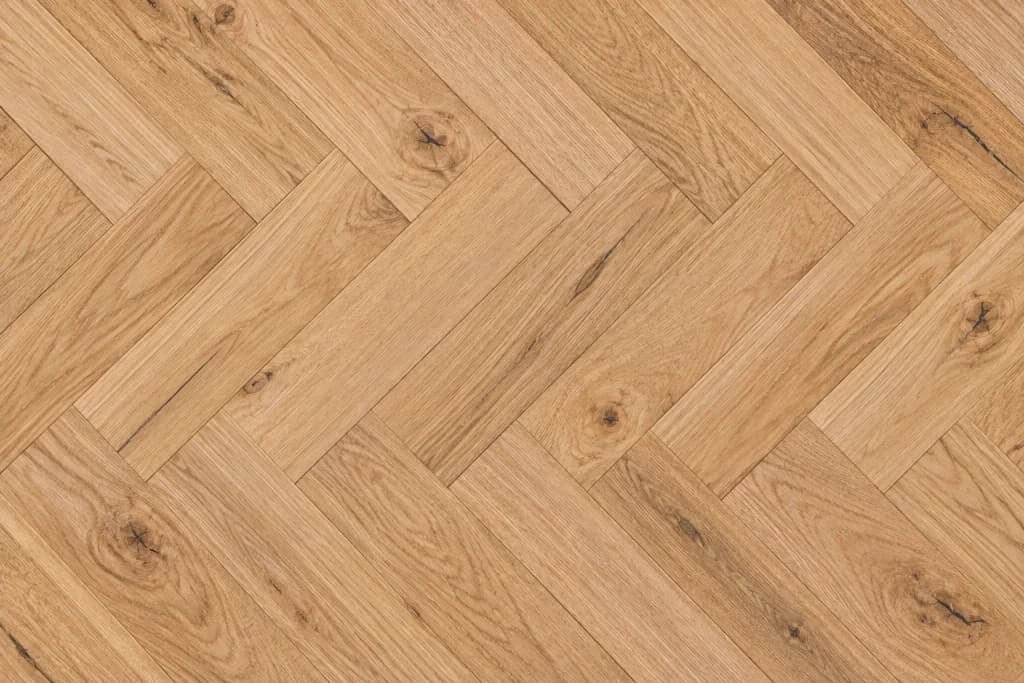

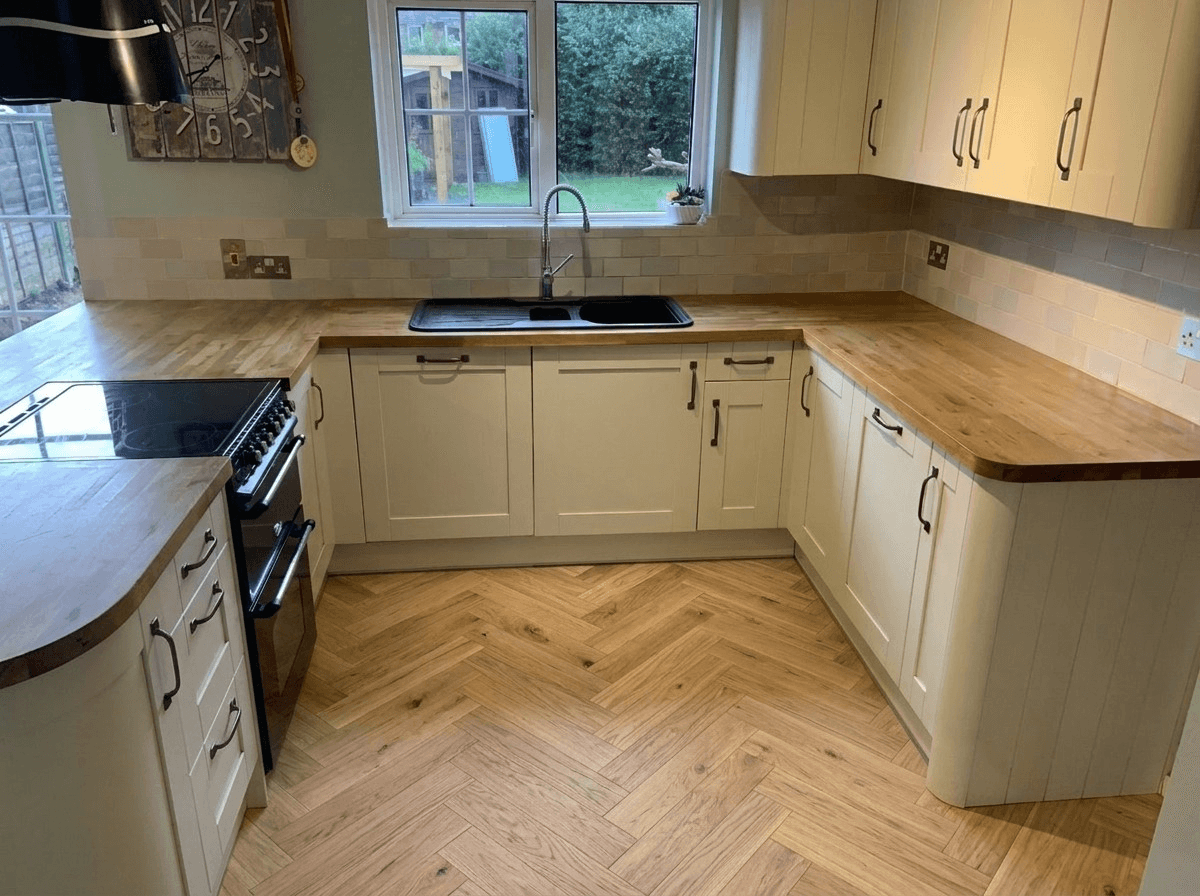



Kitchen sales stall at the same point. The customer can't quite picture it in their own kitchen.
Design time goes on maybes
Drawing up a kitchen for every enquiry ties up your designer, and plenty of those customers were only ever weighing up a colour.
The showroom isn't their kitchen
Your displays are built to look their best. The customer goes home to a different layout, different light and a different floor, starts doubting the choice, and the decision drifts.
Enquiries arrive undecided
'How much for new doors?' isn't a job yet. If the style is settled before they call, the first conversation is about measuring up.
Your range, on their units.
There's no built-in door library to work around. You add the doors you sell, and the ones hardest to sell from a sample gain the most.
- Shaker · Painted
Painted shaker
Your best sellers in this year's colours. Sage, navy and cream look very different in a north-facing kitchen than on a showroom stand.
- Handleless · Slab
Handleless & slab
Clean lines are hard to judge from a single door. On the customer's own run of units, the effect is obvious.
- Gloss
Gloss & lacquer
Gloss fronts bounce light around a room. Seeing the sheen in the customer's own kitchen does more than describing it.
- Oak · Veneer
Oak & wood grain
Real wood and wood-effect doors, where the tone against the floor and the worktop is what customers worry about.
- In-frame
In-frame & premium
Your highest-margin doors and the hardest to justify from a brochure. A picture of their own kitchen makes the case for you.
- Refresh
Replacement doors & resprays
If you replace doors or respray existing units, the preview keeps the customer's layout, so they see the refresh you're quoting for.
Not a 3D kitchen planner. A photo of their actual kitchen.
Planners make the customer draw their room first. This starts from the photo they just took.
Old swatch & 3D tools
Measure and draw first
3D planners need the room drawn before anyone sees a door, and many customers give up before they get that far.
Design time on every enquiry
Drawings tie up a designer for hours, often for customers who were only comparing colours.
A model, not their kitchen
Even a good render shows a kitchen. It doesn't show their kitchen, and that's what is holding up the order.
VisualiseO AI
Their kitchen, no setup
It works from the customer's photo, so there's nothing to measure or draw. Galley, L-shaped or island, it works the same.
Runs without you
Customers try doors themselves on your site at eleven at night, with no designer involved.
Your doors, on their units
Every style they try is one you sell, so the picture they fall for is something you can supply.
Built for businesses that sell the look of a kitchen.
It also runs on a showroom tablet, so a walk-in can see their own kitchen in three door styles while they're stood in front of you.
Fewer design hours on maybes
Undecided customers settle the colour themselves, so design time goes on the people who are ready to order.
Sell the premium doors
In-frame, painted and real wood doors are hard to sell from a sample and much easier to sell from a picture of the customer's own kitchen.
Fewer surprises at fitting
Someone who has already seen the colour on their own units is far less likely to be shocked by it on fitting day.
Use it in the showroom too
Run it on a tablet for walk-ins, or send someone the link after a home visit so they come back having decided.
For kitchen businesses, answered.
How do I add my own doors?
From your dashboard. Upload each door with a photo of it, paste in a link to an image, or add your whole range at once with a spreadsheet. On Professional and Enterprise you can also give each door its own notes, which helps a tricky finish come out right.
How does it go on my website?
You paste one line of code onto your kitchens or doors page. It sits in its own frame so it can't affect your site's design, and it works with WordPress, Shopify, Wix, Squarespace or a custom site. If you'd rather not touch your site at all, we can host a page you link to.
Can another company copy my code and use my range?
No. Your key only works on the web addresses you allow, so the tool only runs on your site. There are limits in place too, so nobody else's traffic can run up your account.
Does it have my branding on it?
It shows your own range and your company name, so customers only see what you can supply. The tool itself has a small 'Powered by VisualiseO' bar at the bottom. It isn't a white-label product.
What does it cost?
It's a paid monthly subscription. The price depends on how many products you list and how many pictures you need, and you can top up if you have a busy month. Book a demo and we'll work out which plan fits.
Does it change the worktop as well as the doors?
It can. Turn on extra changes for a door and customers can type in anything else they'd like, such as a new worktop, floor or wall colour, and see the whole look in one picture. If you sell worktops too, add them as products so customers can try your actual range. See the AI worktop visualiser for how that side works.
Do I need a designer or any tech skills?
No. Adding doors is like adding products to any online shop, and the code is copy and paste. There's no 3D work and nothing to install.
Will it work with any kitchen layout?
Yes. It works from the customer's photo rather than a planner, so galley, L-shaped, U-shaped and island kitchens all work the same way.
See it running with your own doors.
Book a demo and we'll show you the tool with your doors loaded, set up the way it would run on your site.