Kitchen worktops
Quartz, granite, marble, wood and laminate worktops - visualise in your own kitchen.
Add the visualiser to your website in minutes. Customers can visualise your products in their space - enhancing their experience and your conversions.
Visualise kitchen worktops, flooring, alloy wheels or any other product.
Quartz, granite, marble, wood and laminate worktops - visualise in your own kitchen.
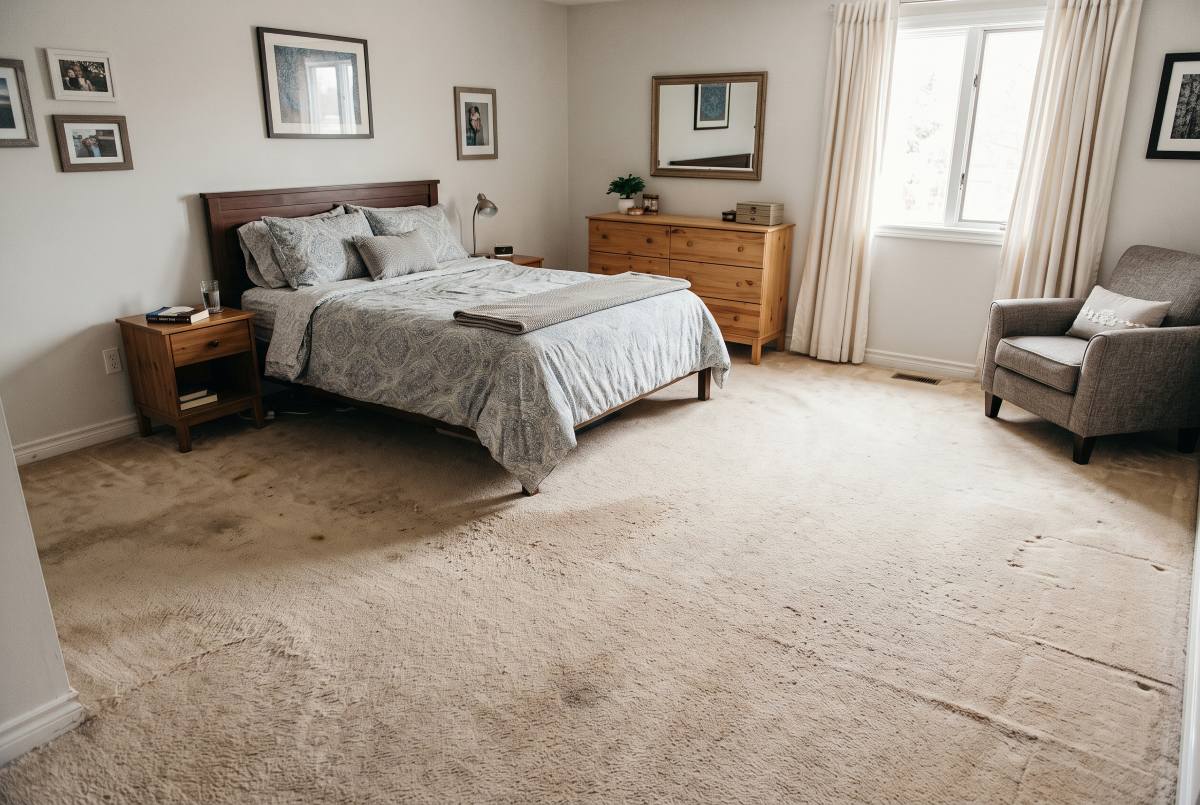
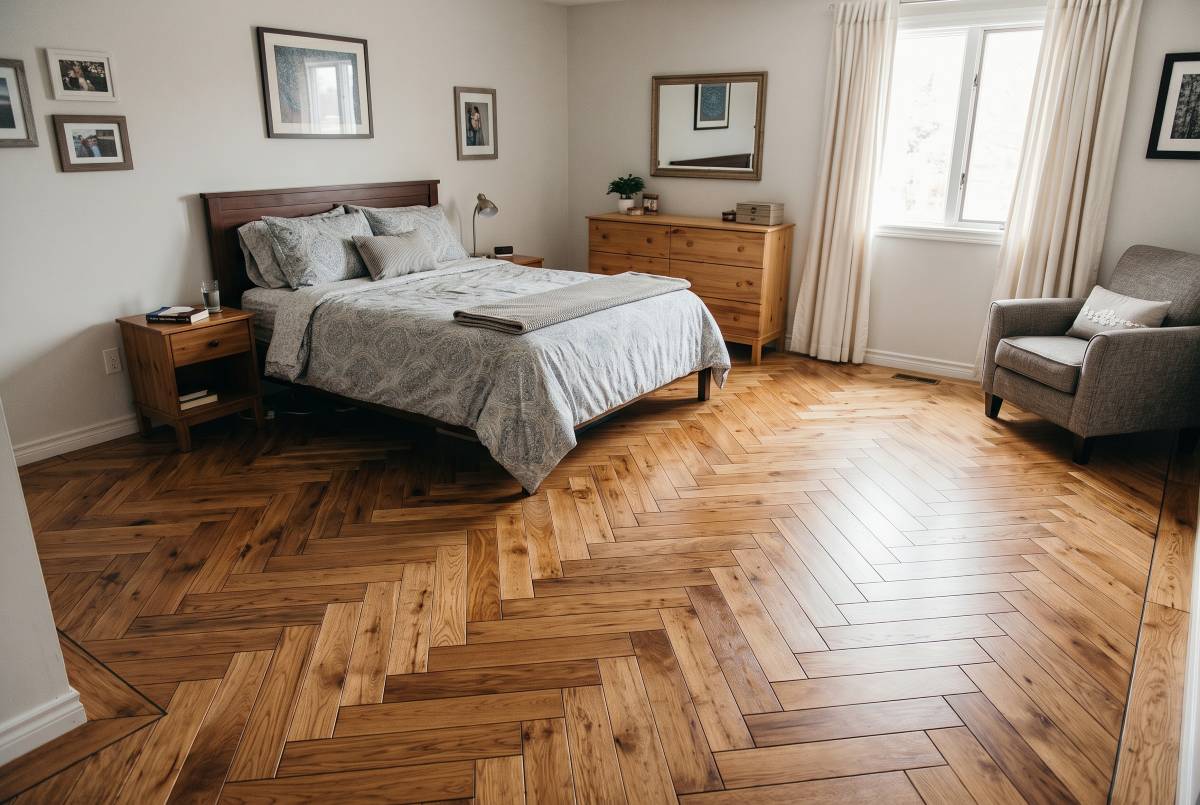
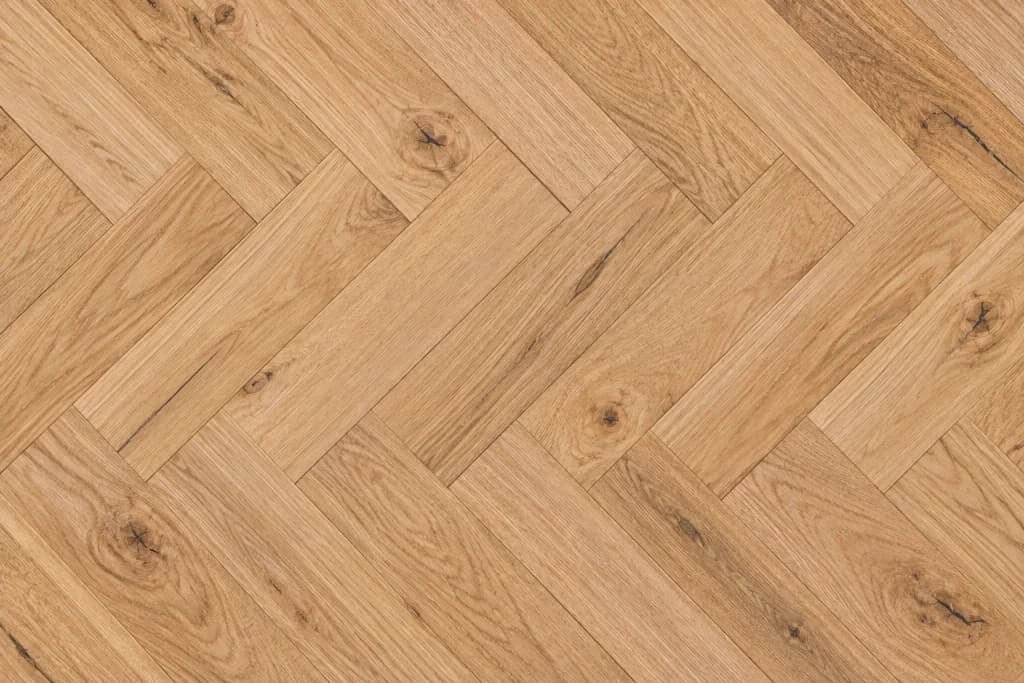
Wood, laminate, vinyl and tile flooring - visualise in your own room.


Visualise real alloy wheels on your car for a perfect look - works on any car.
The visualiser for your website, the tools to turn visitors into enquiries, and the safeguards that keep it running.
Add the AI visualiser to your website in minutes - it shows your products, captures quotes and prices jobs in seconds.
Paste one line of script. The widget mounts itself wherever you put it — no design work needed on your end.
A visitor drops in a photo of their own room, from their phone or their desktop.
AI places your product in their space. They compare it against the original, save it and get in touch.
Customers see your products in their actual space — not a stock photo, not a mood board. A photo they took five minutes ago, transformed.


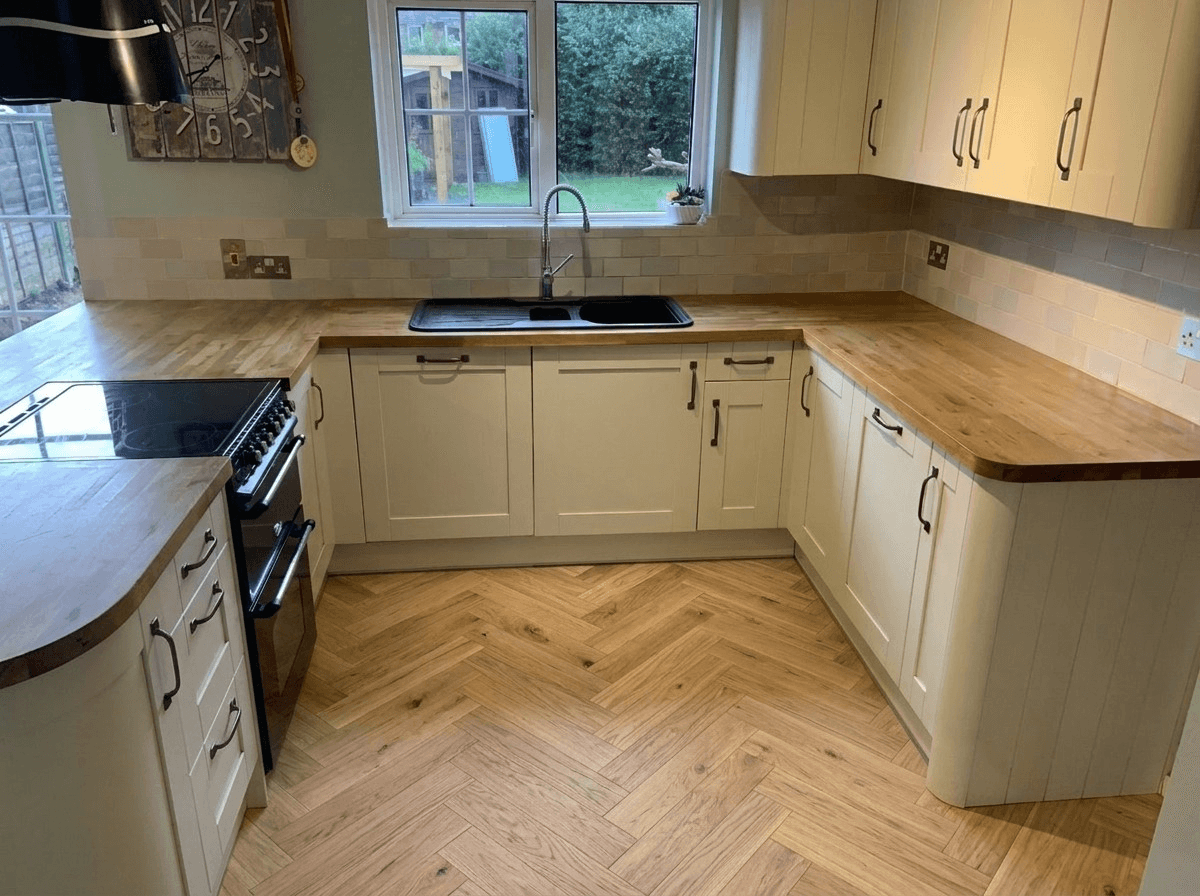
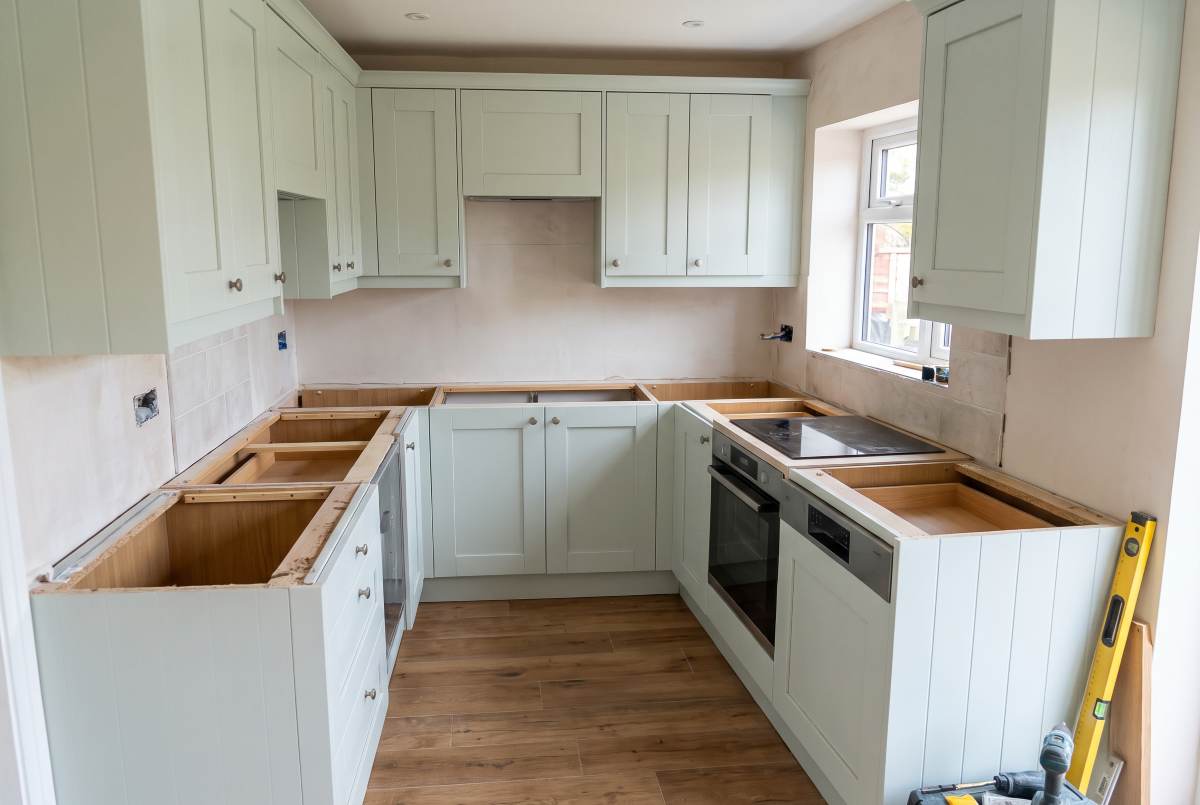
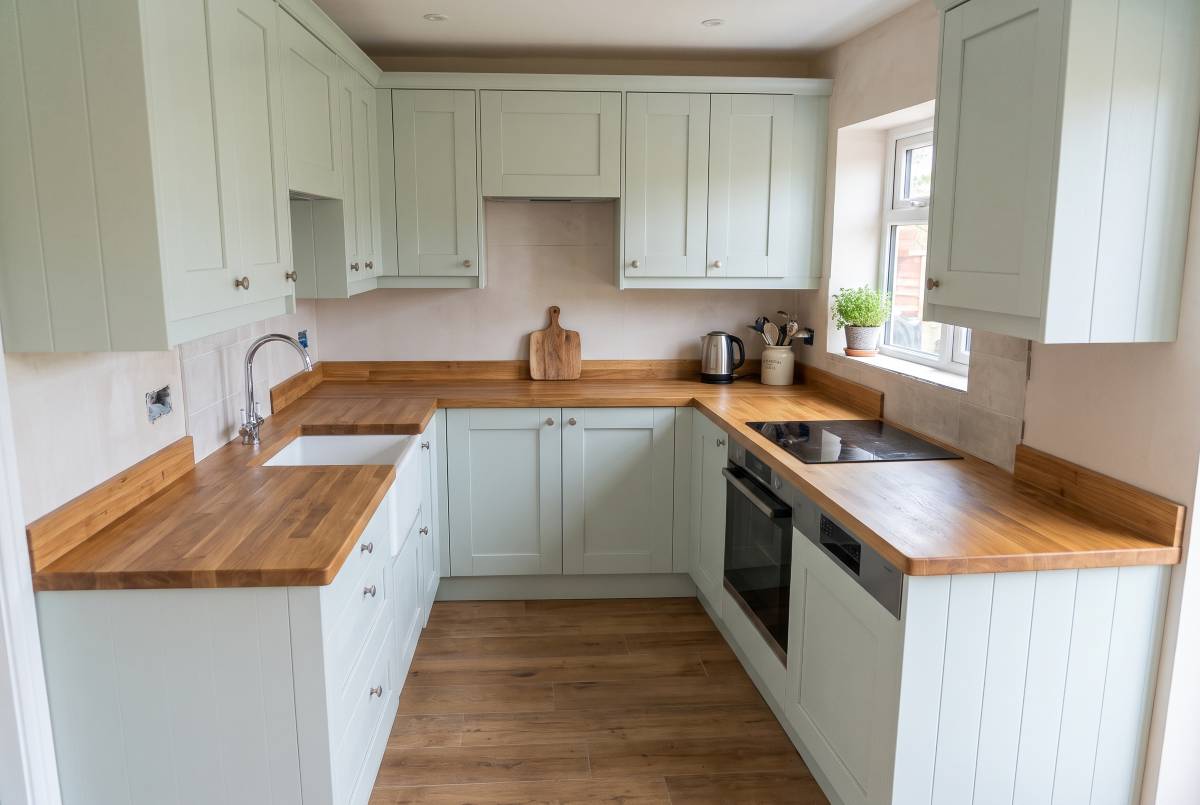
Every one of these started as a photo a customer took on their phone.
 Before
 After
 Before
 After
 Before
 After
 Before
 After
 Before
 After
 Before
 After
Every product gets its own free QR code. A customer scans it, adds a photo of their room, and sees that exact product in it.
We've handled the boring parts: abuse protection, model fallback, consent capture, observability. So you can ship.
Lock the widget to your domains only. Stops scrapers and sandbox embeds in their tracks.
Configurable caps per session, per IP, per day — protect your render budget from abuse.
If one model is degraded or slow, we silently route to the next. Your widget keeps working.
Built-in consent UI for photo upload, data retention, and processing — pre-approved copy included.
When a customer saves a visualisation, you get the image with their email or phone number, ready to follow up.
Sessions → Uploaded → Visualised → Saved. Every step instrumented, every product tracked.
Drop this into your site's <head>. The widget mounts itself wherever you place a data-visualiseo attribute.
<!-- Drop into <head> -->
<script src="//visualiseo.co.uk/v1.js"
        data-key="vse_live_a8f3…" defer></script>

<!-- Place anywhere on a product page -->
<button data-visualiseo="sku-1042">See in my room</button>
Feature your products in Visualiseo’s own homepage and landing-page visualisers. We’ll quote you for a set period.
Anything that occupies a space or surface — worktops, kitchens, bathrooms, flooring, tiles, furniture, wall art, gardens, radiators, TVs, plants. If a customer would ask 'will this fit/look right in my room?', VisualiseO handles it.
We run multi-model with auto-failover. If our primary model is degraded, the widget silently switches to the next available model. Your customers don't see a broken state.
Domain allowlisting, configurable per-visitor rate limits, and IP throttling are built in. You set the ceiling. We enforce it before any render is queued.
Yes. The widget includes a built-in consent flow with pre-approved copy. Customer photos are processed and discarded by default — retention is configurable.
We’ll walk through the widget on your own products and answer whatever the page didn’t.