
Free AI kitchen visualiserSee a new kitchen in your own home
Upload one photo of your kitchen and our AI gives your own units a new look in seconds. Want a new worktop or floor as well? Ask for it and see the whole new kitchen in one picture. Free to try right here, no sign-up needed.
Free to try · No sign-up · Works from a phone photo
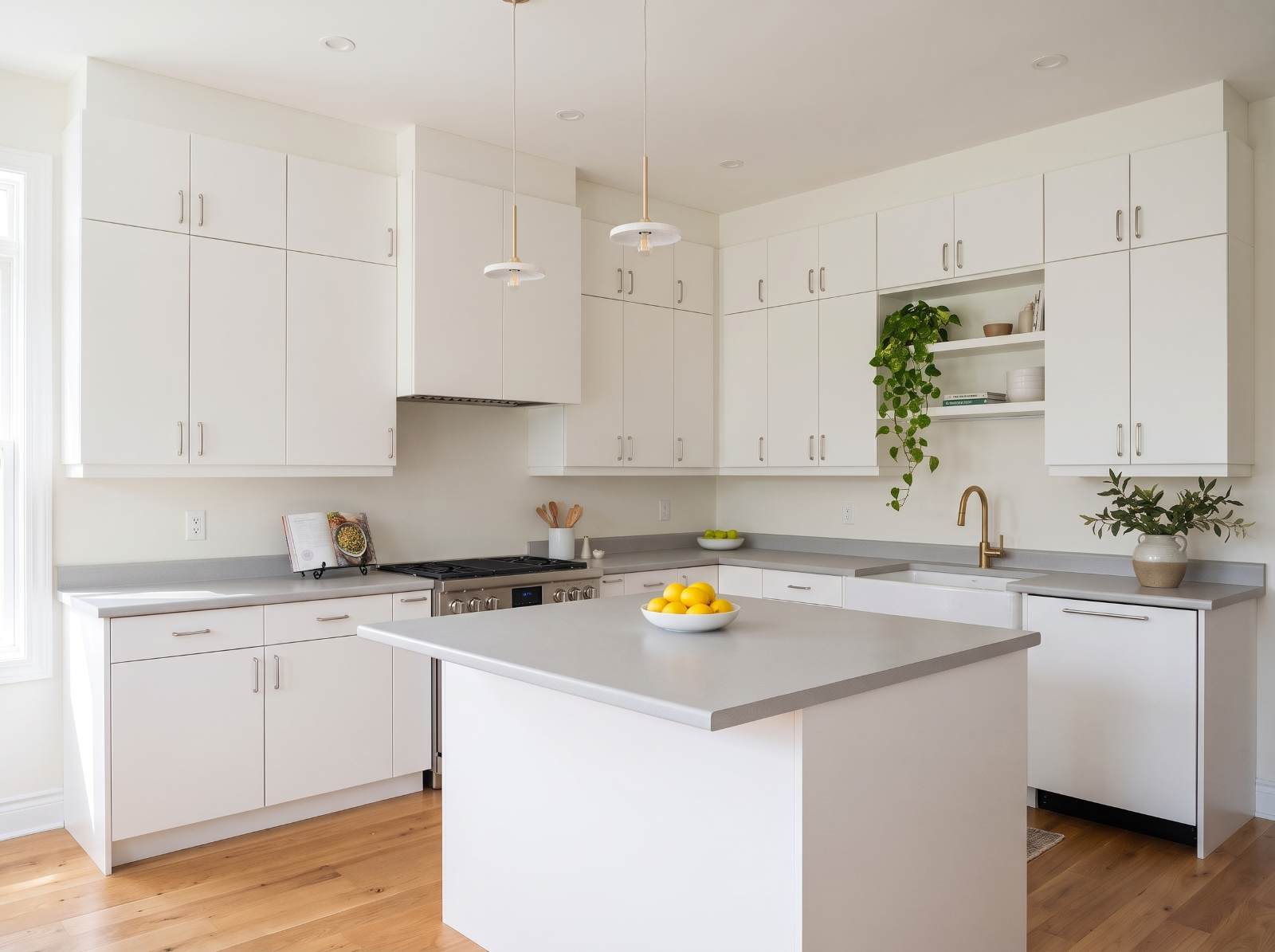
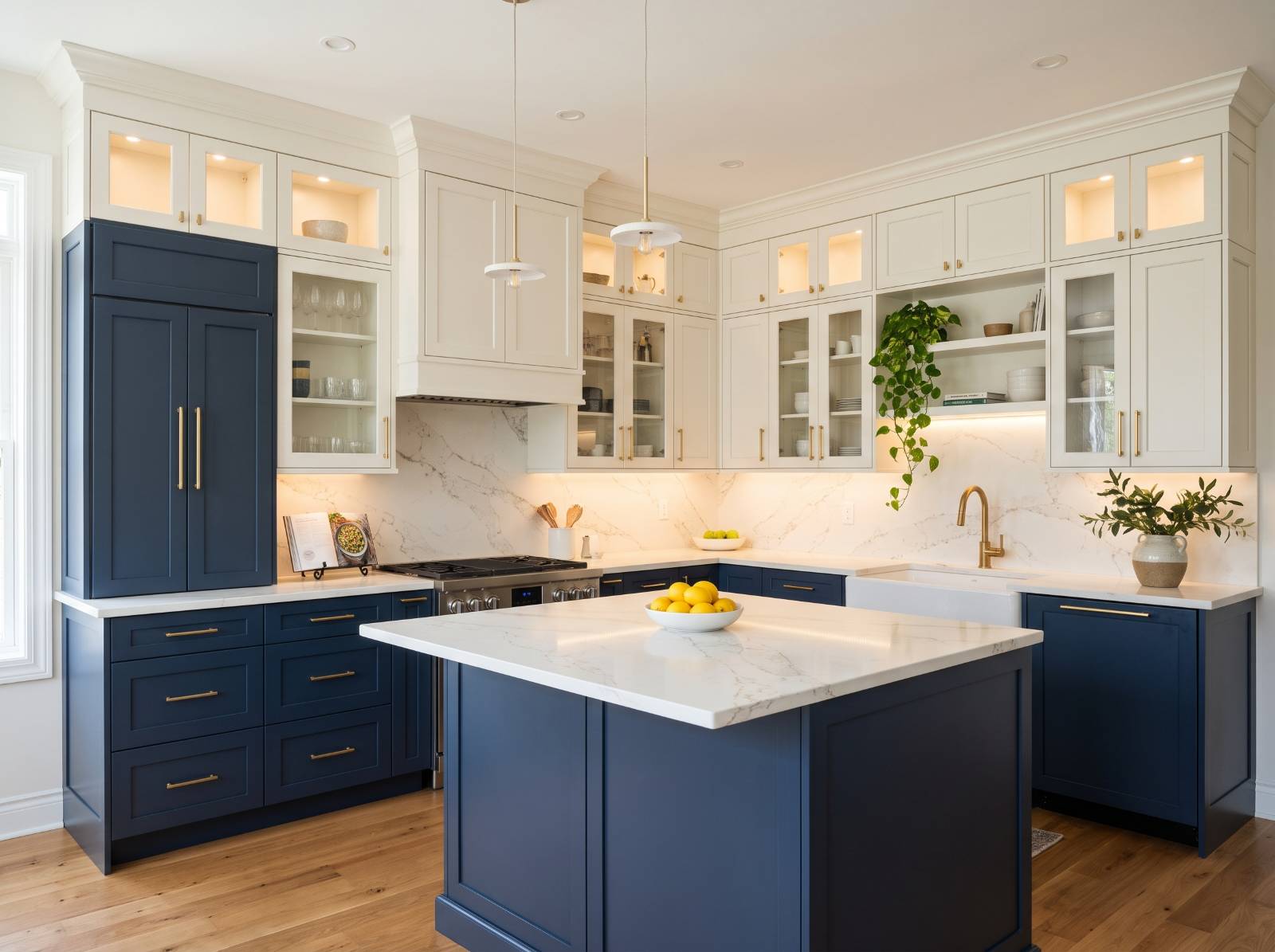
Pick a kitchen style, see it on your units.


Real rooms. Real results.
Every one of these started as a photo a customer took on their phone.
 Before
 After
 Before
 After
 Before
 After
Built for your business.
Add the AI visualiser to your website in minutes - it shows your products, captures quotes and prices jobs in seconds.
Quote every job instantly - AI measures the customer’s photo, you set the rates
Advanced analytics showing how your visualiser turns visits into quotes
Capture every enquiry and chat with visitors live
Put a QR code on every product so showroom customers can see it in their own space
Run products, leads and billing from one dashboard
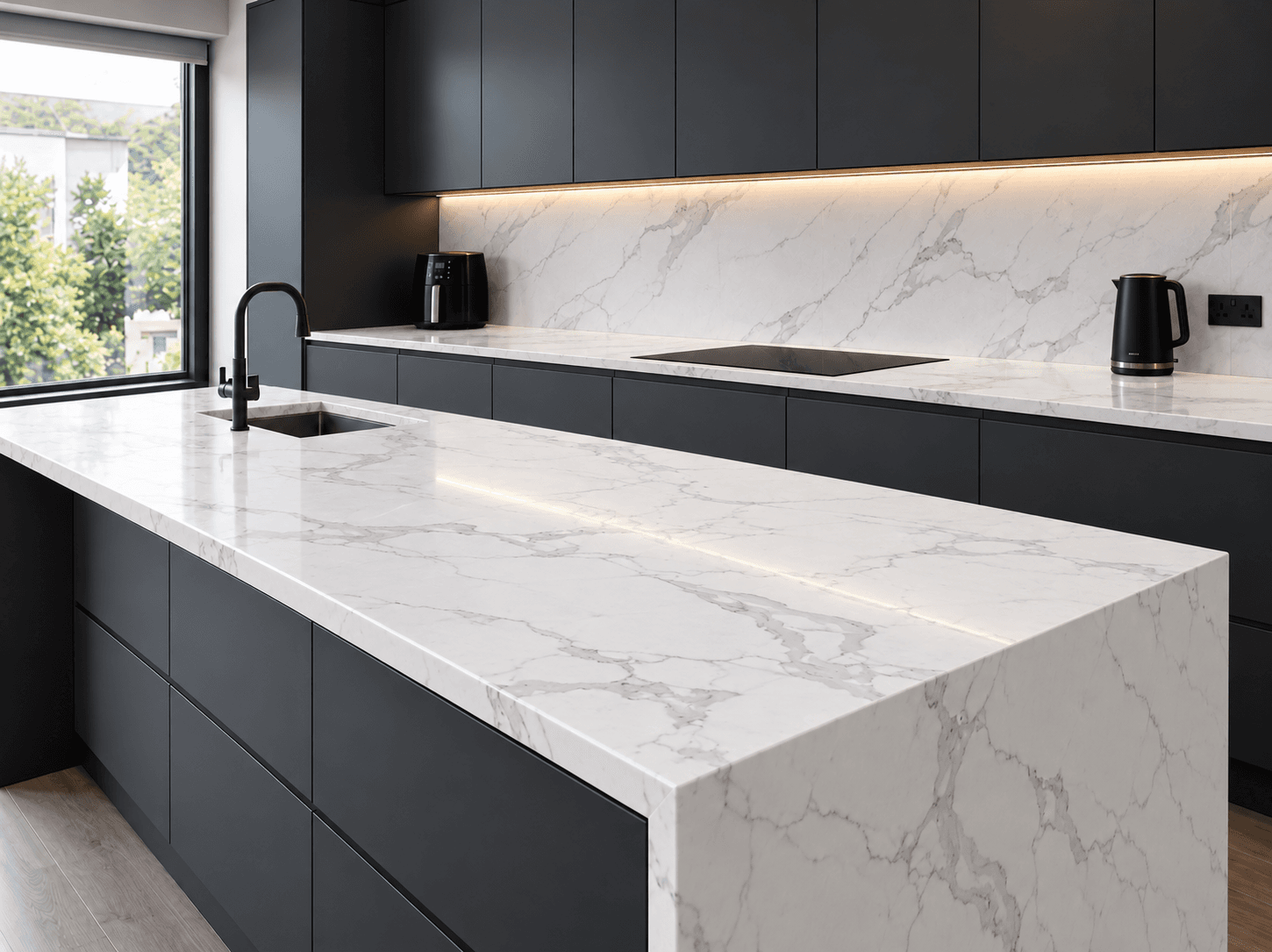
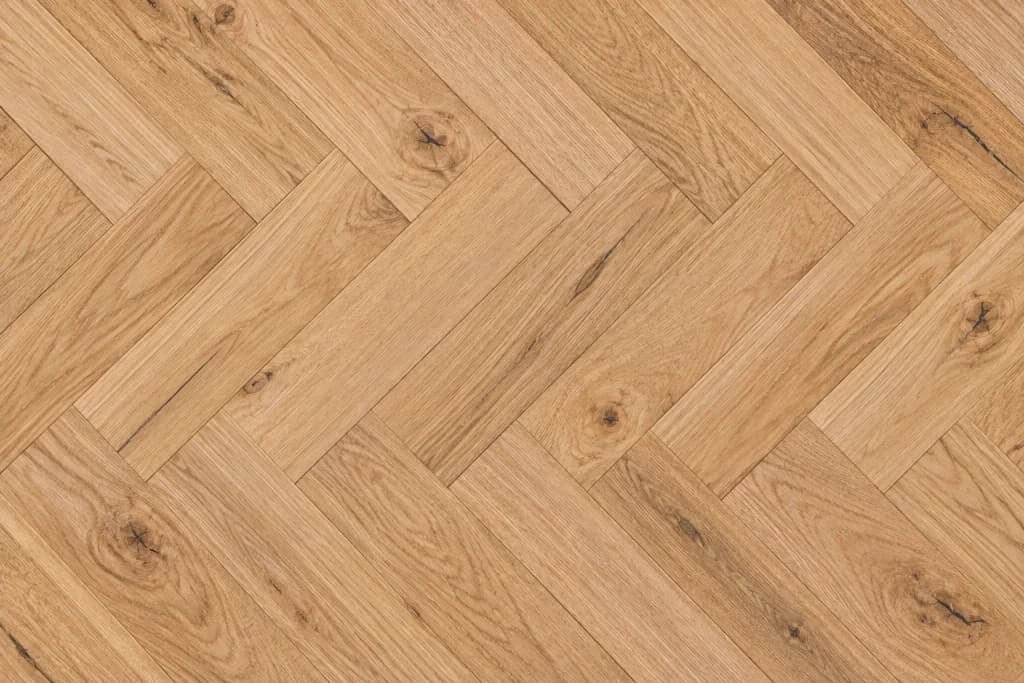

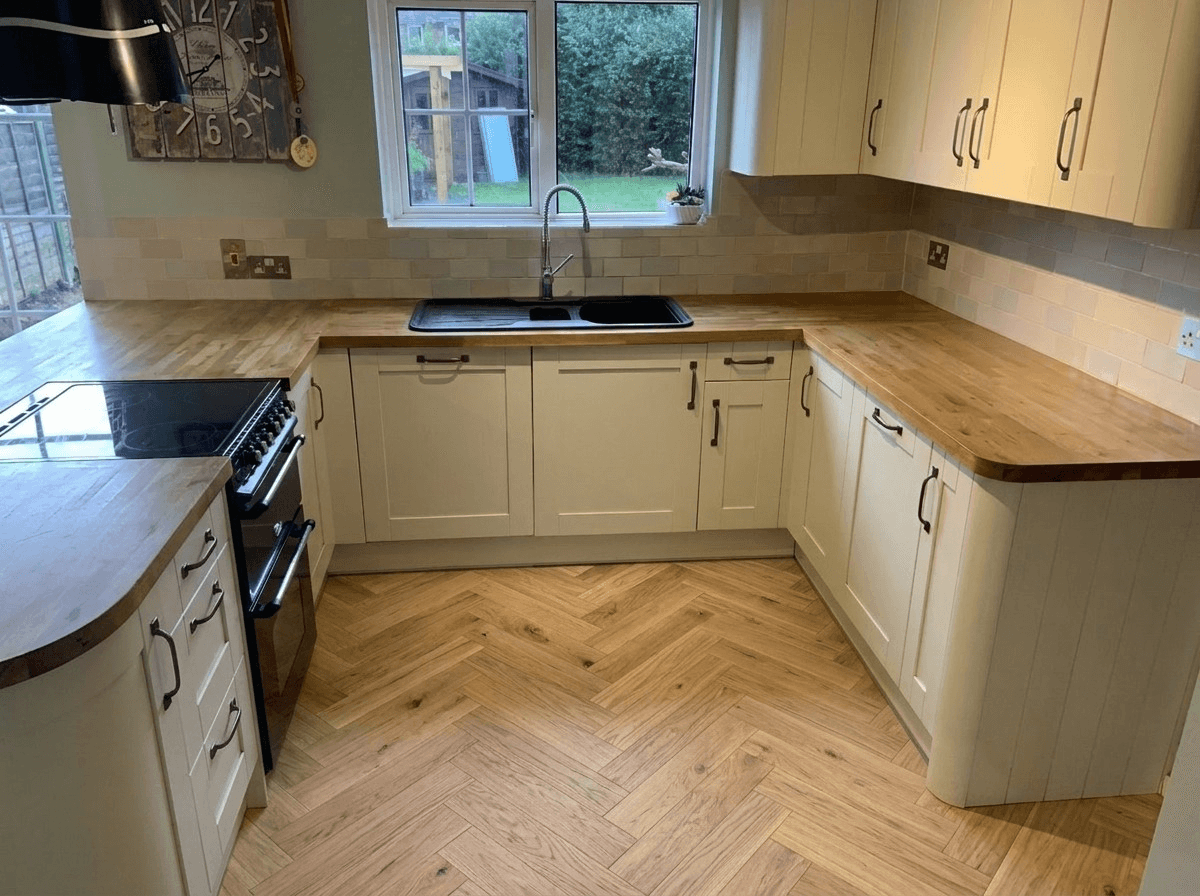

A kitchen that looks perfect in the showroom can look completely different in your own home.
The showroom isn't your kitchen
Display kitchens are built in big, bright spaces with an ideal layout. Yours has its own shape, size, light and floor, and the same kitchen can look very different there.
Layout changes everything
A colour that works on a long run of units can feel heavy in a galley kitchen, and an island changes how much cabinetry you see. A north-facing window can turn sage grey and make white look cold.
See it in your own kitchen first
VisualiseO puts the new look into a photo of your kitchen, with your layout, worktop, floor and light, so you know how it'll look at home before you spend.
From soft sage to deep navy.
The colours UK kitchens are weighing up right now. The harder one is to picture, the more a preview helps.
- Sage · Olive
Sage & olive green
The most talked-about kitchen colour, and the one people doubt most: in a north-facing room, green can read grey. See it in your own light first.
- Navy · Ink
Navy & ink blue
Deep blues look rich in a brochure and can feel heavy in a small kitchen. A preview settles whether your room can carry them.
- White · Cream
White, cream & ivory
The safe choice that isn't always simple. A brilliant white and a warm cream look very different next to an oak floor or a white worktop.
- Grey · Charcoal
Grey & charcoal
From soft dove grey to almost-black graphite. Check the undertone against your walls and splashback before you commit to a kitchen full of it.
- Oak · Walnut
Oak & wood grain
Wood fronts warm a kitchen up, but a lot of grain can fight a busy worktop. Seeing the whole run on your units answers that.
- Door style
Shaker, slab & handleless
The door itself changes the look as much as the colour. A cottage shaker and a sleek handleless slab are worth seeing side by side.
Not a kitchen planner. A photo of your actual kitchen.
Kitchen planners rebuild your room in 3D, and colour apps tint a flat photo. This changes the kitchen in the photo you just took.
Old swatch & 3D tools
Start from a blank room
3D planners make you measure and draw your kitchen before you see anything, and the result still looks like a computer model.
A flat wash of colour
Colour apps tint the doors with no door profile, no sheen and no shadows, so you can't judge the finish.
Built for a whole new kitchen
Many tools assume you're starting again. If you're only changing doors or painting, they don't show you much.
VisualiseO AI
Your real kitchen
It starts from your own photo, so the preview has your layout, your worktop, your floor and your light.
Real doors, not a tint
The door style, colour and finish come from the product, with shadows and reflections matched to your room.
Made for a refresh
New doors, a respray or a whole new kitchen: you see the new look on the units you already have.
Built for kitchen companies, showrooms & door suppliers.
Like it? It's the same tool kitchen businesses put on their own website, showing their own range.
Decide before you spend
A new kitchen is a big spend. Seeing the real style on your own units takes the guesswork out of the decision.
Compare in seconds
Try a few styles back to back on the same photo instead of holding a sample door up to the units.
Take it to the showroom
Save the one you like and bring it with you, so the conversation starts with the style you've already chosen.
For kitchen businesses
Kitchen retailers, replacement door suppliers and resprayers can embed the visualiser on their own site or run it on a showroom tablet.
Free kitchen visualiser, explained.
Is the kitchen visualiser really free?
Yes. You can use the AI kitchen visualiser on this page for free, with no sign-up. Upload a photo of your kitchen, pick a kitchen style and see it on your units in seconds. Free previews are limited per visitor; if you want more after that, extra previews start at £3, but there's no obligation.
Can I visualise my kitchen from a photo?
Yes, that's how it works. Take a photo of your kitchen on your phone, upload it here, and the AI gives the kitchen in that photo a new look. There's nothing to measure or draw and no 3D model to build.
What does the kitchen visualiser change?
The units: door fronts, drawer fronts and end panels on the base units, wall units and any island. You can also type in anything else you'd like changed, such as a new worktop, floor or wall colour, and see it all together in the same picture. For a closer look at worktop materials, the free worktop visualiser has the full range.
Can I try different kitchen colours?
Yes. Each style in the range carries its own colour and finish, so trying another colour means picking another style. Compare a few back to back on the same photo and slide between before and after.
Will it work if I'm only replacing the doors or painting my units?
Yes, and that's where it helps most. It keeps your existing units and layout and changes only the fronts, so the preview shows the refresh you're planning rather than a whole new kitchen.
What makes a good kitchen photo?
Stand back far enough to get the units in, shoot fairly straight on rather than from a sharp angle, and turn the lights on. A normal phone photo is all it needs.
How accurate is the preview?
It's an AI visualisation, not a photograph of the finished kitchen. It's built to show the door style, colour and finish in your own light so you can choose with confidence. Always see a real sample door before you order.
Can kitchen companies add this to their website?
Yes, that's who it's built for. Kitchen retailers, replacement door suppliers and resprayers can embed it on their own site or run it on a showroom tablet, showing their own range.
Sell kitchens? Put this on your website.
Embed the kitchen visualiser on your site or showroom tablet, showing your own range.